.avif)

Blog Summary
- Accounting workflow automation is effective only after standardizing processes first
- Highlights the best automation opportunities and accounting automation tools
- Emphasizes the importance of process documentation to ensure consistent results
- Shows real examples where automation reduces rework and partner review time
- Warns that automating messy workflows leads to messy output faster
- Advocates structuring processes first, then layering in automation software and integrations
- Focuses on practical operational steps rather than theory for lasting results
What is accounting workflow automation
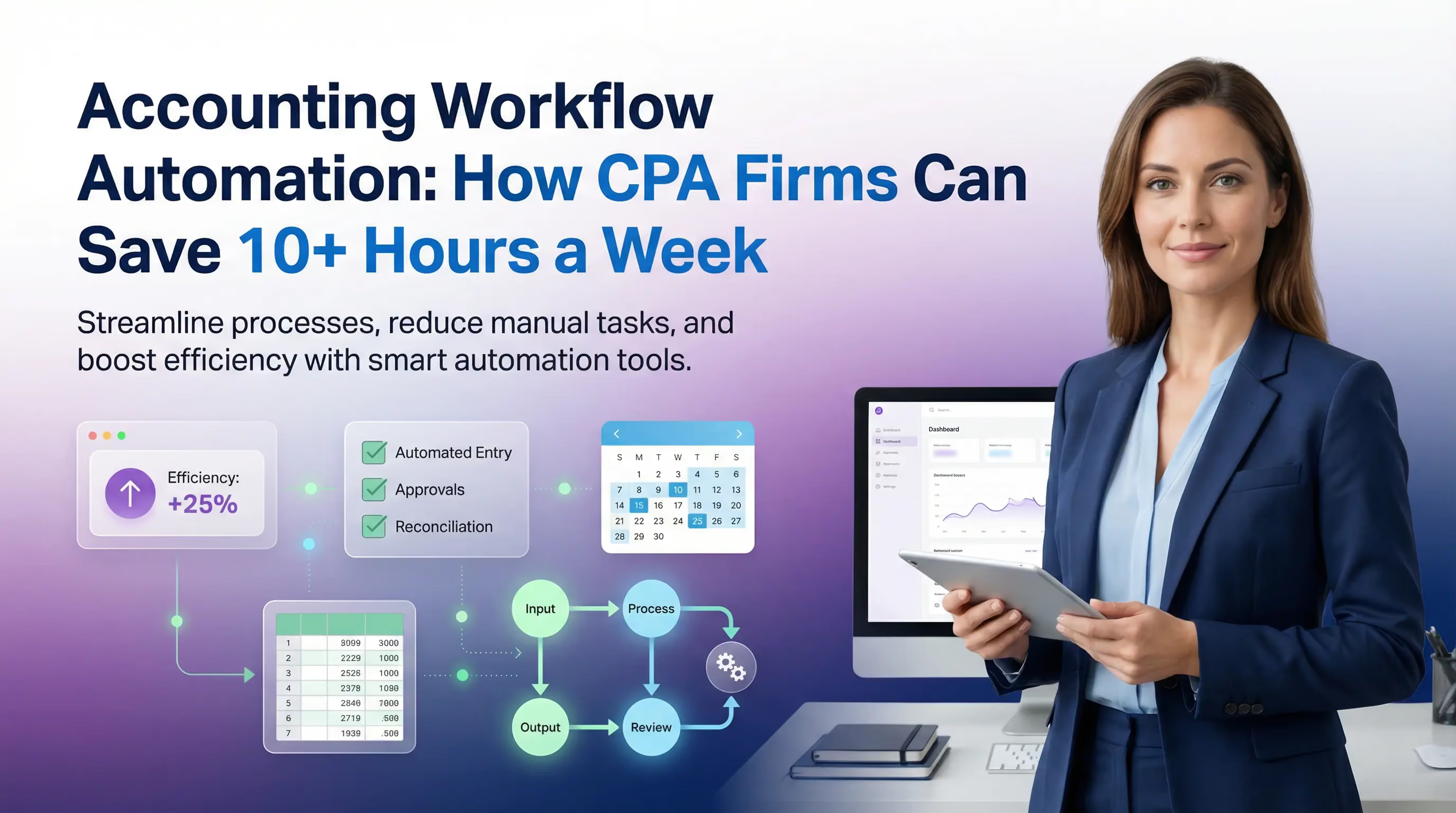
Accounting workflow automation means using technology to route, validate, and complete accounting tasks with less manual effort. It also means enforcing consistent steps, approvals, and documentation. Automation is one piece of a firm's broader accounting software stack, not a replacement for it.
Good automation reduces copy paste work. It also reduces decision fatigue. People stop re-deciding the same coding and review rules every month.
Workflow automation is not the same as “AI did my books.” It is process plus controls plus tools.
Why automation in accounting industry initiatives stall
Most automation projects start with tools. Then teams try to “figure out process later.”
That creates three predictable problems.
- You automate exceptions instead of the standard case.
- You move work faster but do not reduce rework.
- You shift risk to reviewer time, usually partner or controller time.
If partner review time goes up after “automation,” you did not automate. You just relocated effort.
The operating model: Standardize. Document. Automate. Improve.
Use a simple four-step loop. It keeps you from buying point solutions that do not connect.
1. Standardize the workflow
Define one best way to do the work. Do not aim for perfect. Aim for repeatable.
Start with these process elements.
- Intake method and cutoffs
- Required client artifacts
- Coding rules and thresholds
- Review steps and signoff owner
- Exception handling path
2. Document the workflow
Accounting process documentation makes automation possible. It also makes training possible.
Your documentation should answer one question. “What does good look like for this step.”
Keep each SOP short. One page works for most steps. Use screenshots and decision rules.
3. Automate the repeatable steps
Automate the handoffs, validations, and postings that happen the same way each cycle.
Leave judgment steps with humans. Add checklists and structured review notes instead.
4. Improve using metrics
Track cycle time, rework, and exception volume. Then tune rules and templates.
Automation should shrink exceptions over time. If exceptions grow, your rules or intake steps need work.
Where accounting workflow automation delivers the most value
Firms get the fastest wins in workflows with high volume, stable rules, and frequent handoffs.
That usually means month-end close and recurring bookkeeping tasks. It can also include tax support workflows and controller review packaging.
Here are common high-impact areas.
- Bank and credit card feeds and reconciliation
- AP intake, coding, and approvals
- AR invoicing, cash application, and follow-up triggers
- Accruals, amortization, and recurring journal entries
- Intercompany allocations and eliminations support
- Close checklists, task routing, and signoffs
- Workpaper assembly and reviewer packs
- Client request management and missing item follow-ups
Accounting automation examples you can implement in phases
You do not need a full “hyperautomation” program to get results. You need a sequence.
Below are practical examples that map to how accounting teams actually work.
Example 1: Automated close task routing
Set up a close checklist that assigns tasks by role, client, and due date. Trigger reminders and escalations.
Add dependency rules. For example, “Reconcile cash” must finish before “Finalize balance sheet flux review.”
Result. Fewer status meetings. Clear ownership. Less last-day scramble.
Example 2: AP invoice intake with rules
Route invoices into one intake channel. Extract key fields. Apply coding rules based on vendor, department, and amount thresholds.
Send exceptions to a queue. Route approvals to the right person. Post when approved.
Result. Less email chasing. Cleaner audit trail. Faster AP close.
Example 3: Bank recs with exception-only review
Automate matching rules for stable transactions. Force explanations only for unmatched items.
Require supporting detail for aged reconciling items. Auto-rollforward items only with explicit reason codes.
Result. Reviewers stop scanning every line. They focus on risk.
Example 4: Recurring journals with guardrails
Automate recurring entries for depreciation, prepaid amortization, payroll accruals, and standard allocations.
Add controls. Require reviewer signoff when amounts move beyond set thresholds.
Result. Fewer missed entries. Fewer late adjustments.
Example 5: Automated workpaper assembly
Standardize your workpaper index. Auto-create folders, naming conventions, and required schedules based on client profile.
Push a reviewer pack that includes.
- Trial balance and lead schedules
- Flux thresholds and commentary prompts
- Open items list with owner and aging
Result. Review time drops because the package looks the same every month.
Popular accounting firm automation solutions, organized by job to be done
Do not shop by brand first. Shop by workflow. Then pick tools that integrate cleanly with your accounting system and practice workflow.
Here is a practical grouping of popular solution categories.
| Workflow need | What to automate | Common tool categories to evaluate | What “good” looks like |
|---|---|---|---|
| Close management | Task routing, dependencies, signoffs | Practice workflow and close checklist platforms | One view of status. Clear owners. Audit trail. |
| AP automation | Capture, approvals, coding rules, posting | AP automation and bill pay platforms | Exception-based processing. Strong approval logs. |
| Bank rec automation | Matching and reconciliations | Reconciliation tooling, rules engines | Low unmatched volume. Strong reason codes. |
| Data extraction | Read PDFs and emails into fields | OCR and document capture | High accuracy. Clear exception handling. |
| Integration | Move data between apps | iPaaS and automation platforms | Logged runs. Error alerts. Controlled permissions. |
| Standard reporting | Packs and variance analysis | BI and reporting layers | Consistent templates. Role-based access. |
A key selection rule helps. If the tool cannot support your standardized accounting workflows, do not buy it and hope it will.
The control question: What do you want to be true after automation
Controllers and partners care about one thing. Confidence.
Before you automate, write your “post-automation control outcomes.” That keeps the project grounded.
Common outcomes include.
- Every balance sheet account has an owner and a tie-out standard.
- Every reconciling item has an age, reason code, and next step.
- Every manual journal has support and reviewer signoff.
- Every exception has a documented resolution path.
- Every close deliverable has a timestamp and approver.
If you cannot state outcomes, you will argue about tools instead of fixing operations.
How to document accounting processes so automation works
Accounting process documentation does not need to be heavy. It needs to be usable.
Use a consistent SOP template. Keep it short. Keep it operational.
A simple SOP structure that scales
- Purpose. What this process produces.
- Inputs. Where data comes from and cutoffs.
- Steps. 6 to 12 numbered actions.
- Decision rules. If this, then that.
- Exceptions. What to do when rules fail.
- Controls. What must be reviewed and by whom.
- Output. What “done” means and where it lives.
Add one more item for firms. “Client questions to resolve exceptions.” That keeps your team from writing new emails every month.
Standardized accounting workflows: The minimum set to automate month-end close
Most firms should standardize these workflows before heavy automation.
- Cash and credit card reconciliation
- AR aging review and bad debt considerations
- AP aging and accrual completeness
- Payroll reconciliation and accrual entries
- Deferred revenue or WIP support, if applicable
- Prepaid and fixed asset schedules
- Balance sheet account reconciliations
- Flux analysis thresholds and commentary rules
- Close package assembly and delivery
Standardization reduces variation. Variation creates exceptions. Exceptions kill automation ROI.
A practical implementation plan for accounting firm automation
You do not need a 12-month program to start. You need a controlled rollout.
Phase 1: Stabilize the workflow (2 to 4 weeks)
Pick one service line slice. For example, monthly close for 15 clients in one industry segment.
Do three things.
- Write the SOPs for the top 10 close steps.
- Define thresholds and review standards.
- Set a single intake channel for client items.
Phase 2: Automate the handoffs (4 to 8 weeks)
Add workflow routing, checklists, and reminders. Standardize naming and folder structures.
Then automate basic recurring entries and reconciliations with guardrails.
Phase 3: Automate data capture and exception queues (6 to 12 weeks)
Layer in OCR, intake parsing, and exception queues for AP and other document-heavy steps.
Add integration logs and error alerts. Treat automation failures like production incidents.
Phase 4: Optimize and expand (ongoing)
Tune rules monthly. Remove recurring exceptions by fixing upstream intake and coding rules.
Then replicate the model to the next client segment.
The mistakes that quietly break accounting automation
Most of these mistakes look small. They create compounding drag over time.
- No cutoffs. The team keeps re-opening periods.
- No owner for exceptions. Work stalls in shared inboxes.
- No thresholds. Reviewers re-check everything.
- No standard narratives. Commentary varies and confuses clients.
- No version control. Workpapers change format every month.
- No audit trail. Approvals happen in chat messages.
If you fix these, automation becomes much easier.
Structured outsourcing as an operational lever, not a staffing patch
Some firms hit a capacity wall while they standardize and automate. That is normal.
Structured outsourcing can help if you treat it as an extension of your operating model. Not a separate “shadow process.”
The key is process discipline. You need documented workflows, clear handoffs, and enforced review standards. You also need visibility into work status and exceptions.
In practice, this looks like.
- A shared close calendar with task ownership.
- SOP-driven execution with consistent workpapers.
- Automation-first workflows, so people handle exceptions and reviews.
- Structured communication, so questions come in batches with context.
- Reporting that shows throughput, aging, and rework drivers.
Etisson fits this model when firms need controlled capacity without adding hiring risk. Etisson teams use SOP discipline, automation-first execution, and structured reporting.
That reduces partner review burden because deliverables arrive consistent. It also supports scalable growth because you expand capacity inside the same standardized workflow.
Measuring success: KPIs that matter for automation in accounting
If you measure “hours saved” only, you will miss the real win. The win is less rework and less senior review load.
Track these metrics by client segment.
- Close cycle time. Start to final package.
- First-pass yield. Percent accepted with no rework.
- Number of exceptions per close. And top exception types.
- Review time per close. Manager and partner.
- Aging of reconciling items. Count and dollars.
- On-time client deliverable rate.
When these improve, automation becomes self-funding through capacity.
Quick reference: What to automate first
If you want a simple priority list, use this.
- Close checklist and task routing.
- Intake standardization and missing item follow-ups.
- Recurring journals with thresholds.
- Bank rec matching and exception queues.
- AP capture and approvals.
- Workpaper assembly and reviewer packs.
- Integrations and monitoring for data movement.
This sequence protects quality. It also protects reviewer time.
FAQ: Accounting workflow automation
What is accounting workflow automation
Accounting workflow automation is the use of software to standardize and execute accounting tasks with automated routing, validations, and postings. It reduces manual handoffs while preserving controls and approvals.
What are examples of automation in accounting
Common accounting automation examples include automated bank matching, AP invoice capture and approvals, recurring journal entries with thresholds, close checklist task routing, and automated workpaper package assembly.
What accounting automation tools do accounting firms use
Accounting firms commonly use close management and practice workflow tools, AP automation platforms, reconciliation tools, OCR and document capture, integration platforms, and reporting layers. The best mix depends on your standardized workflow.
What should you automate first in an accounting firm
Automate workflow routing and close checklists first. Then standardize intake and recurring entries. After that, automate reconciliations and document-heavy steps like AP. This order reduces rework and partner review time.
Does automation replace accountants
No. Automation replaces repetitive steps and reduces manual data handling. Accountants still perform judgment, exception resolution, controller-level review, and client advisory work.
Why does accounting automation fail
Accounting automation fails when firms automate inconsistent processes. Missing SOPs, unclear thresholds, weak exception ownership, and poor intake controls create too many exceptions and push extra work onto reviewers.
How do you document accounting processes for automation
Use short SOPs that define inputs, steps, decision rules, exceptions, controls, and outputs. Keep documentation consistent across clients. Link each SOP to a checklist step so execution stays aligned.
Conclusion
Accounting workflow automation works best when you treat it like operations, not software. Standardize the workflow. Document it. Automate the repeatable steps. Then improve using metrics.
Do that, and your tools finally start doing what they promised. They make the close calmer, cleaner, and easier to scale.